Sam
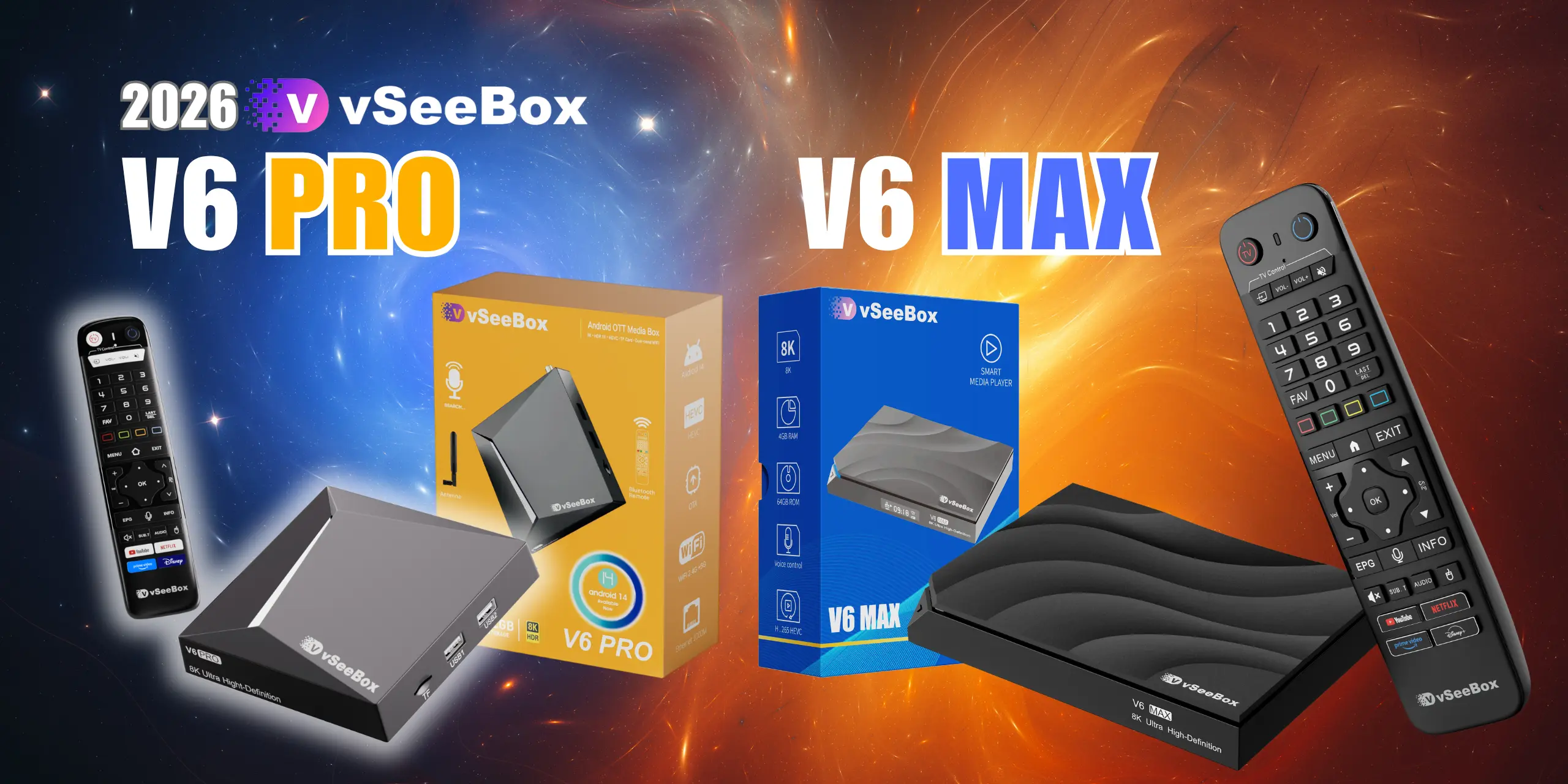
July 7, 20262026 V6 Pro & V6 Max First-Time Setup Tutorial!
Thank you for your purchase brand new vSeeBox V6 Pro & V6 Max, let’s go through the setup procedure: Basic Setup Connect the V6 Pro & V6 Max with...
Read More
Thank you for your purchase brand new vSeeBox V6 Pro & V6 Max, let’s go through the setup procedure: Basic Setup Connect the V6 Pro & V6 Max with...
Read More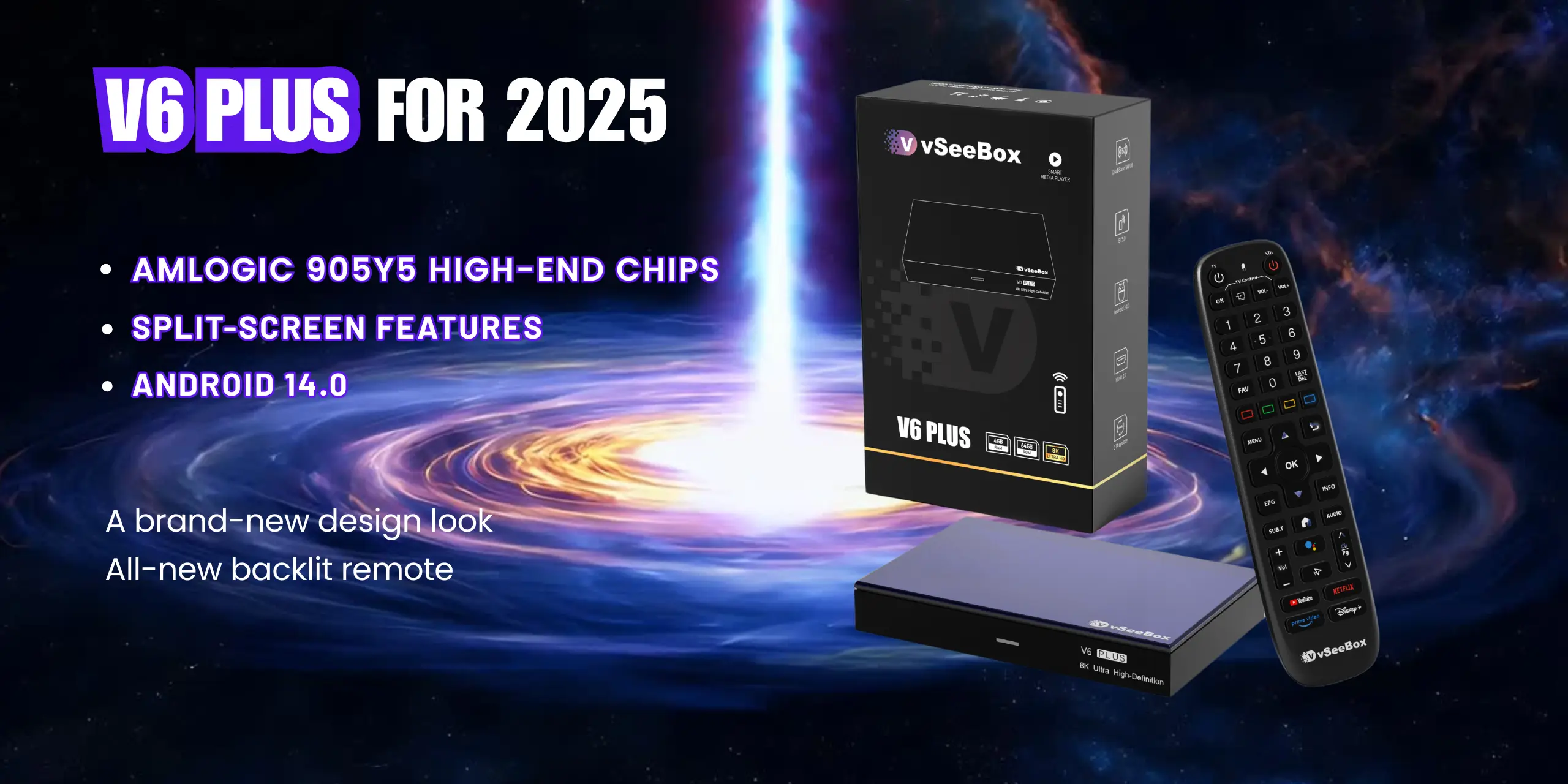
Thank you for your purchase brand new vSeeBox V6 PLUS, let’s go through the setup procedure: Basic Setup Connect the V6 PLUS with the power adaptor; Connect the V6...
Read More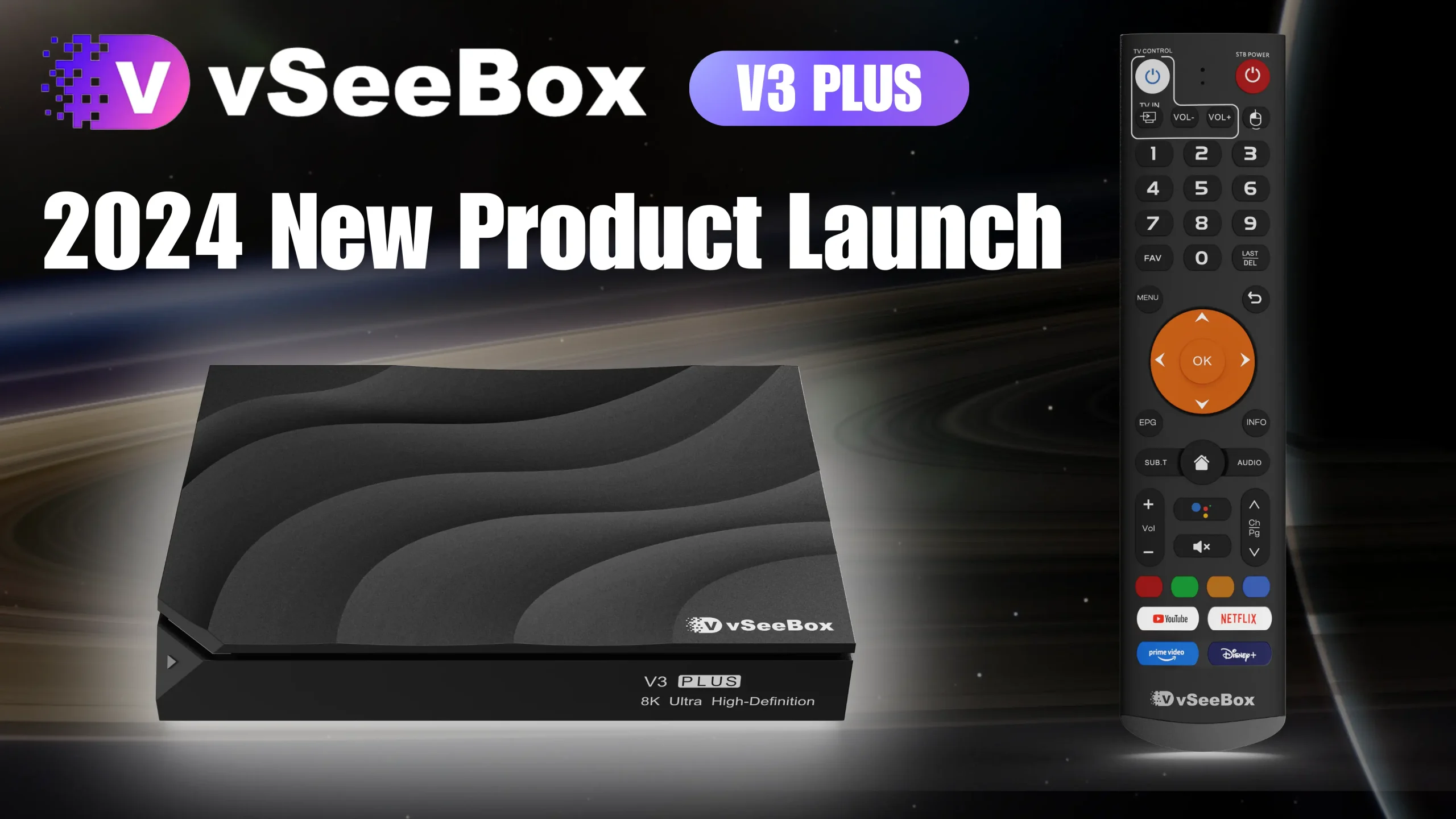
Thank you for your purchase of our 2024 brand new vSeeBox V3 PLUS, let’s go through the setup procedure: Basic Setup Connect the V3 PLUS with the power adaptor;...
Read More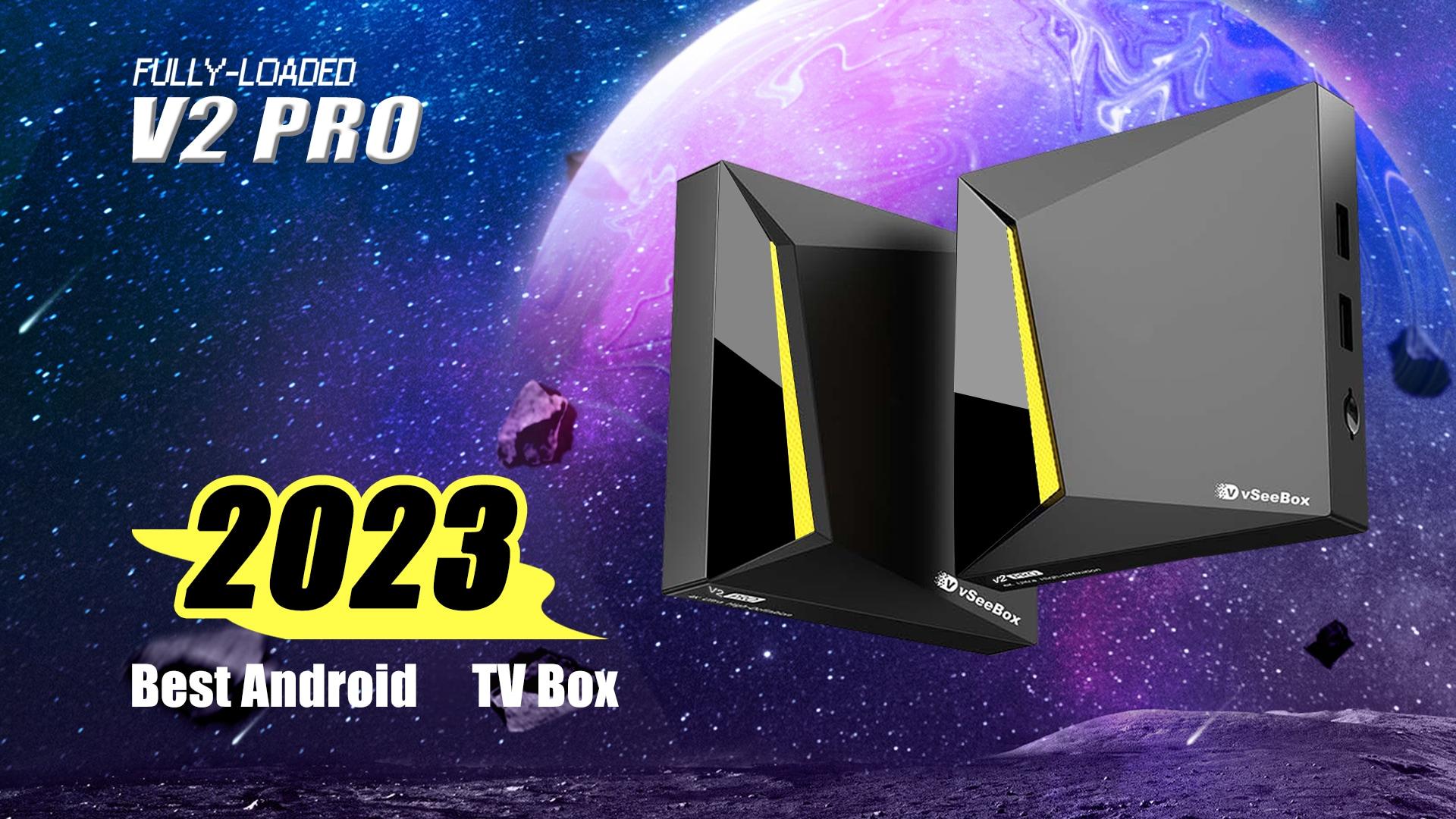
Thank you for your purchase of our 2023 brand new vSeeBox V2 Pro, let’s go through the setup procedure: vSeeBox V2 Pro packages contain: vSeeBox v2 Pro – 1...
Read More
Today this article will step-by-step troubleshoot network connection error situations to get your vSeeBox working properly. Situation 1: If you are connecting vSeeBox with WiFi network 1st Step– Open...
Read More
The Complete Guide to: How to stop Buffering / Freezing on your vSeeBox There’s no bigger buzzkill when streaming with an interruption for buffering problems. Here’s the complete guide…...
Read More


